Wishlists made for sharing
Stop guessing. Start giving.
Save gifts from any store, share one link, and let friends reserve what they’ll buy, so nobody gives the same thing twice.
Or get Gifty on
- Free to use
- No account needed for friends
- iPhone, Android, web and Chrome
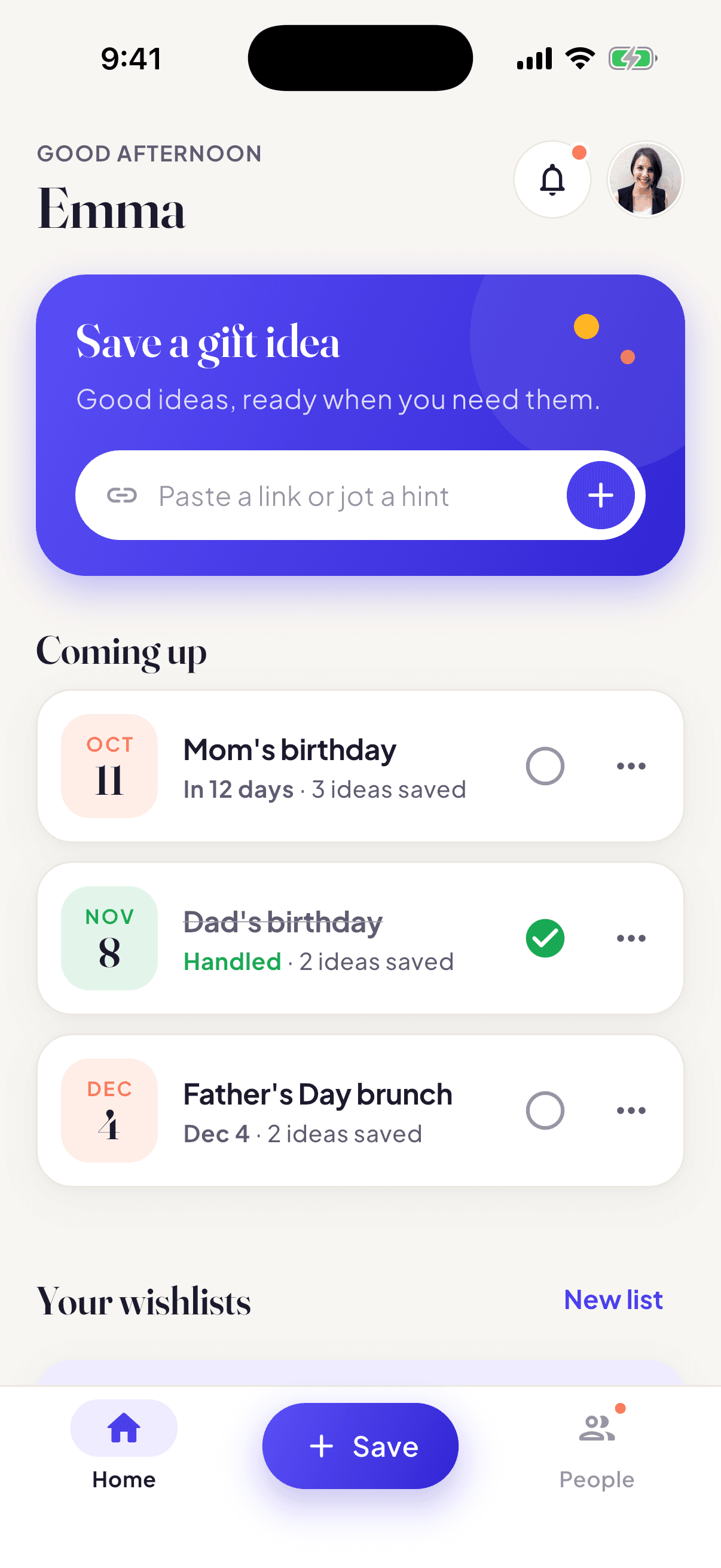
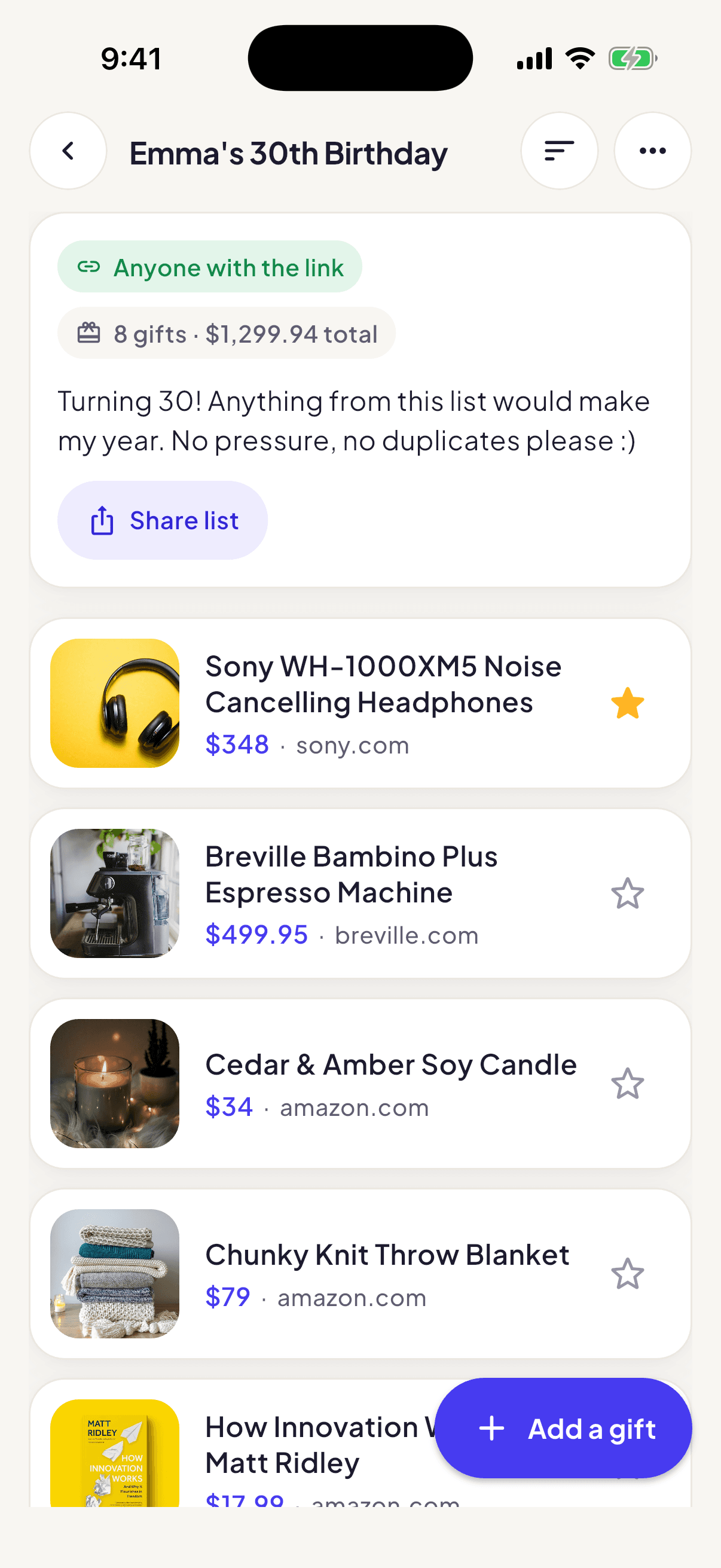
How it works
Gift-giving shouldn’t be this hard.
Three steps, and everyone ends up on the same page.
Step 1: Save a gift from any store
Found something great? Share it to Gifty from your phone, click the Chrome extension, or paste a link.
Step 2: Share one link
Send your list by text, email or chat. Friends open it in their browser, no account needed.
Step 3: Friends reserve, nobody doubles up
They tap “I’m getting this.” It’s marked taken for everyone else, and you stay in the dark.
Chrome extension and share sheet
Add a gift in a click or a tap
On a computer, one click on any product page saves it to a list. On your phone, use the share button in your browser or a store’s app and pick Gifty. The photo, name and price come along when the store provides them.
- Works with almost any store’s product page
- Keep a separate list for each person or occasion
- Edit the details and add notes, like size or color
Shared lists
Share one link. Nobody buys it twice.
Send your list to anyone. Friends reserve the gift they’ll buy, so you never end up with three of the same candle.
A friend opens your link
In any browser. No download, no sign-up.
They tap “I’m getting this”
One tap, and the gift is theirs to buy.
Everyone else sees “Someone’s getting this”
So nobody buys the same thing twice.
Surprises stay surprises. You won’t see which gifts are reserved or who reserved them.
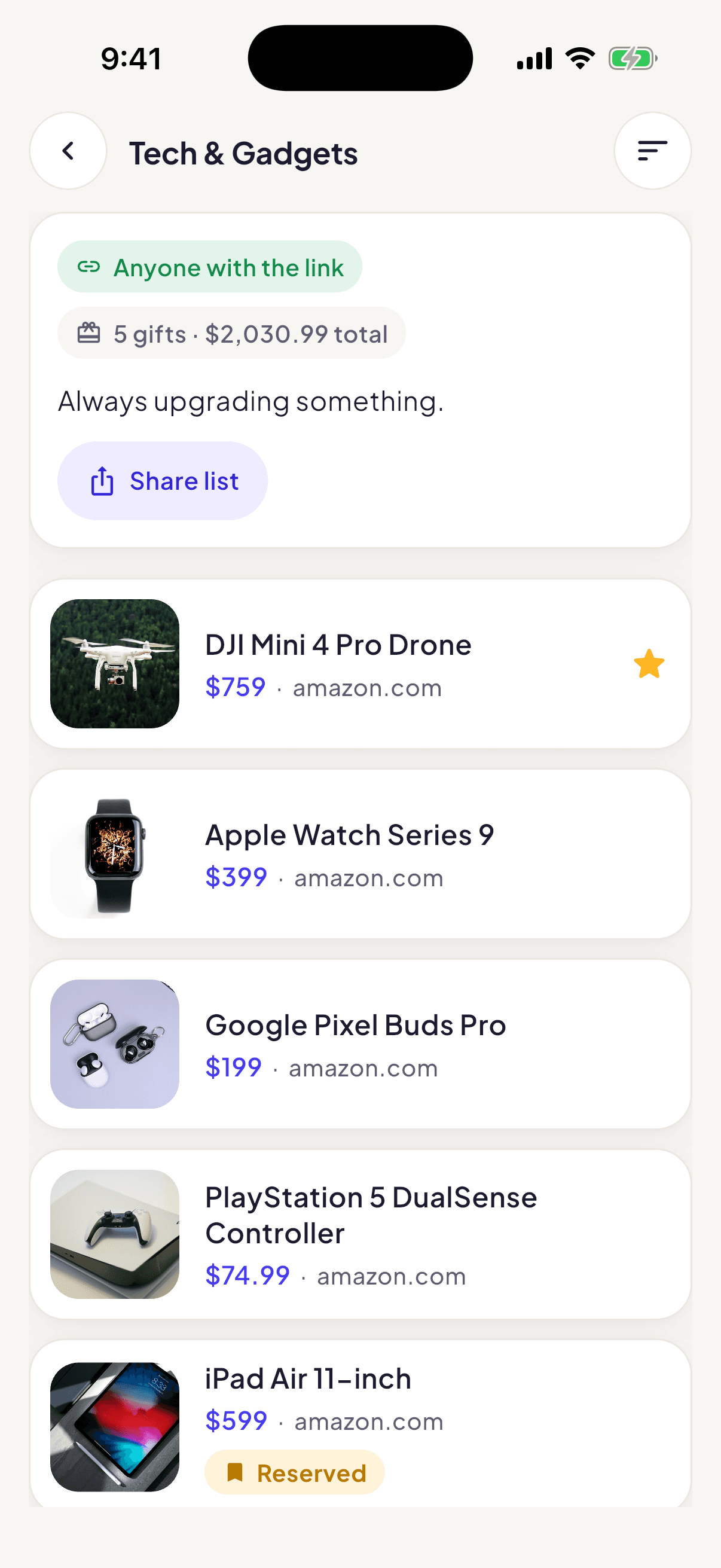
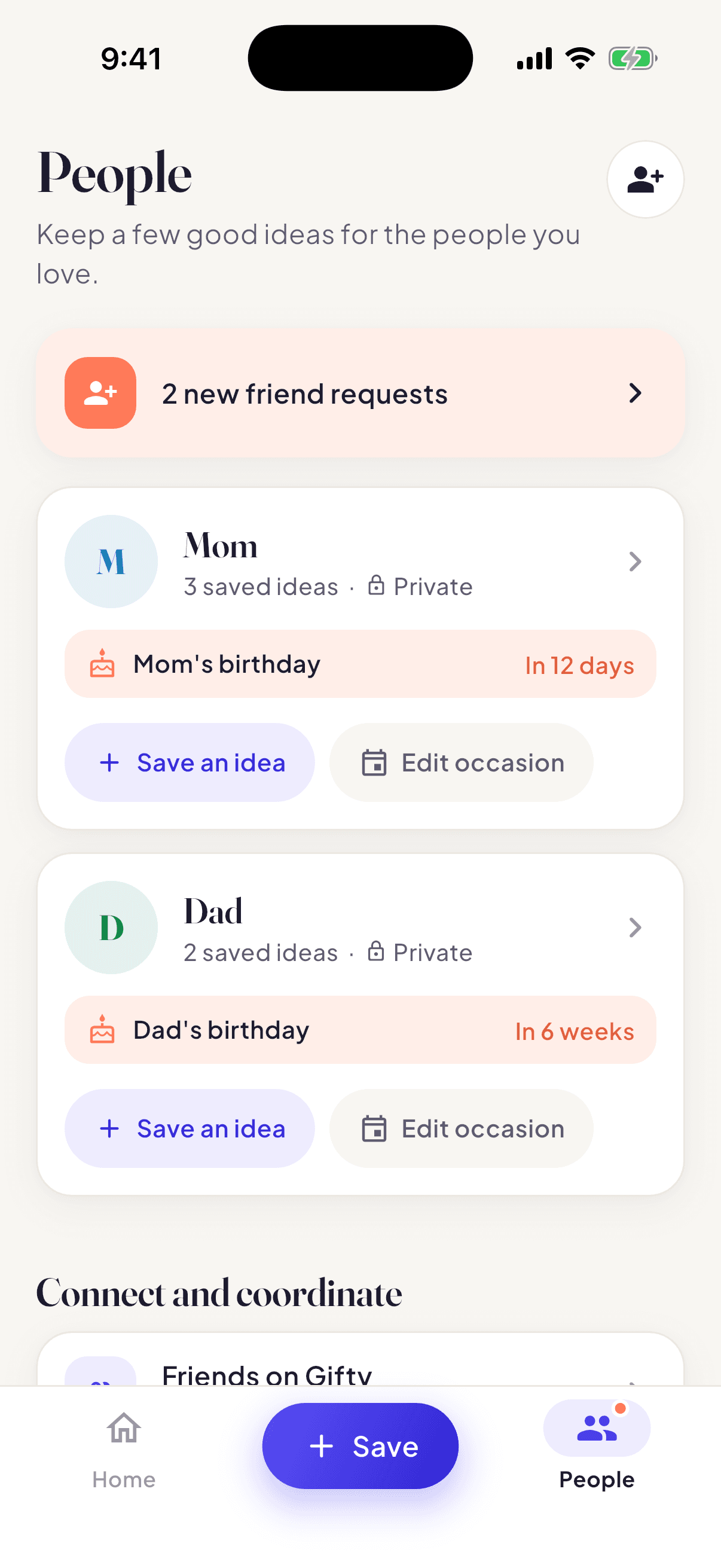
Birthdays and occasions
Never forget a birthday
Add a birthday or occasion to a friend’s ideas, pick how many days ahead you’d like a heads-up, and Gifty reminds you while there’s still time to shop.
- You choose how far ahead to be reminded
- Their gift ideas sit right next to the date
- Reminders arrive in the Gifty mobile app
Available for iPhone and Android
FAQ
Good questions
Is Gifty free?
Yes. Gifty is free to download and use. You can make lists, save gifts and share them without paying anything. The mobile app also has an optional premium upgrade for extras.
Do my friends need an account?
No. Anyone with your link can open your list in their browser and reserve a gift without signing up. Friends who do join Gifty can also see your friends-only lists.
How do I add gifts from any store?
On your phone, use the share button in your browser or a store’s app and choose Gifty. On a computer, click the Gifty Chrome extension on any product page. You can also paste a link in the app or on the web. Gifty pulls in the name, photo and price when the store shares them, and you can edit anything.
Who can see my list?
You choose for each list: private (only you), friends only, or public. A public list can be opened by anyone who has its link, so share it with the people you’d like to see it.
Does Gifty work on Android, the web and Chrome?
Yes. Gifty is on the App Store for iPhone, on Google Play for Android, in any modern browser at trygifty.com, and as a Chrome extension for saving from your computer. Sign in with the same account and your lists are there on every device.
How do reservations work without spoiling the surprise?
When a friend taps “I’m getting this” on your shared list, that gift is marked as taken for everyone else who opens it, so nobody buys it twice. You don’t see which gifts are reserved or who reserved them, so what you unwrap is still a surprise. If a friend changes their mind, they can release the gift.
Still wondering? Say hello.
Give gifts they’ll actually love.
Start a list, send the link, and let your friends do the rest.